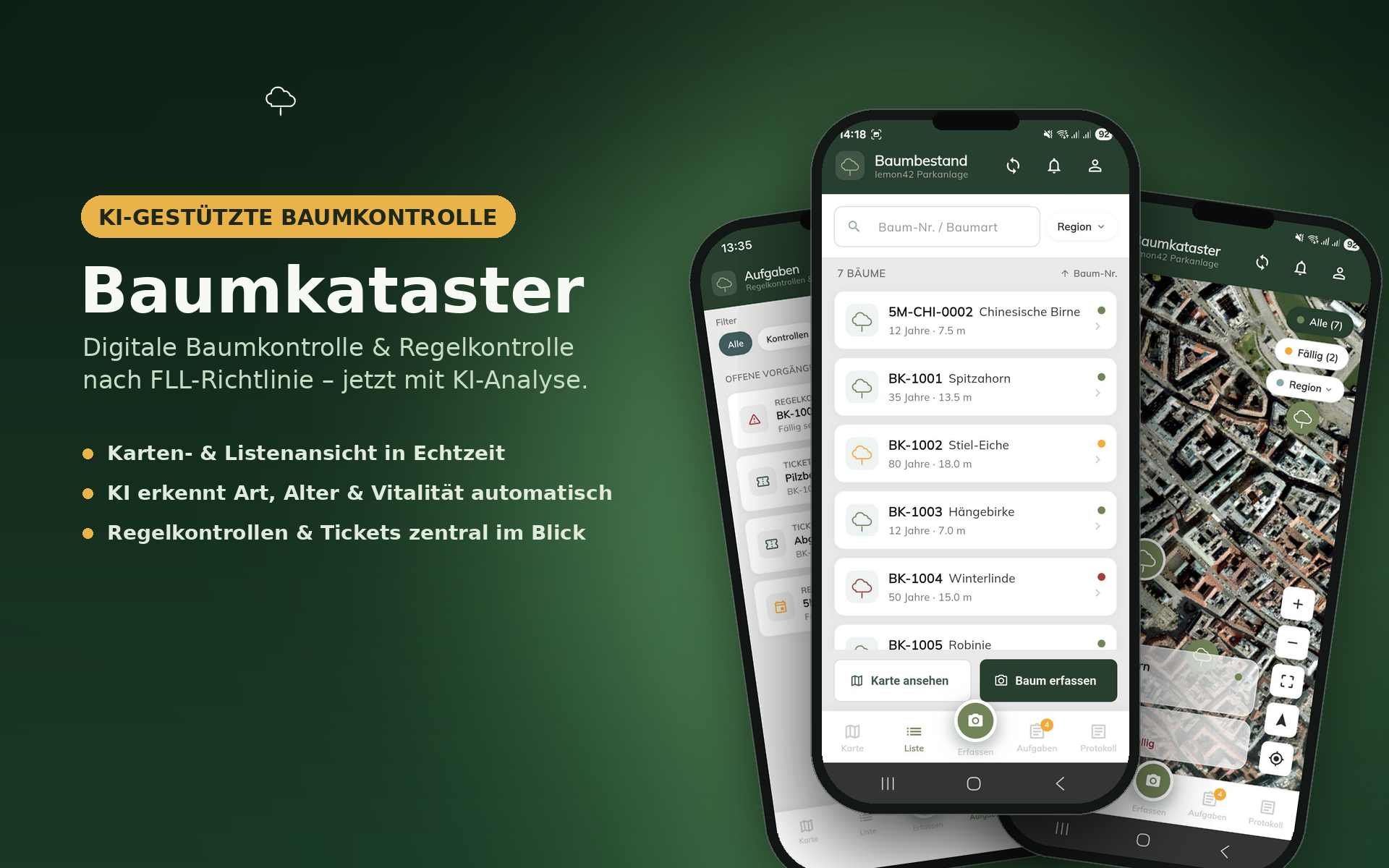
The Baumkataster app is ideal for municipalities, property management companies, and parks & leisure departments that wish to fulfill their public safety obligations efficiently and transparently.
Features
- Capture and manage trees on an interactive map (GPS location data)
- Take photos directly on site
- Automatic tree species and damage recognition from photos (AI-powered)
- Carry out and document inspections according to guideline
- Record condition, vitality, and required actions for each tree
- Create tickets for proposed actions and follow-up inspections
- See due inspections at a glance in the task area
- Usable offline – data syncs automatically once connected
Frequently Asked Questions
How do I log in?
Access to the app is set up by lemon42 for your company or organization. Sign-in works via a login link (magic link): enter your email address in the app and open the link sent to you on the same device.
I don't have access, or my login link isn't working.
Contact the person who manages the Baumkataster app for your organization, or reach out to us directly at office@lemon42.com.
Does the app work offline?
Yes. Captured trees, inspections, and tickets are stored locally and synchronize automatically as soon as an internet connection is available again.
How is the tree species recognized?
When adding a new tree, you take a photo from which the tree species is automatically suggested, using AI.
How can I reset location and camera permissions?
Open your device settings under Settings → Baumkataster and adjust the camera and location permissions there.
How can I have my account or data deleted?
Contact us at office@lemon42.com with your deletion request. We will delete your account and associated personal data in accordance with applicable legal requirements.
Privacy
Information about how your data is processed can be found in our privacy policy.
Support
For questions, issues, or feedback about the app, reach us at:
Email: office@lemon42.com